Photo to video AI
Upload a photo and describe the video transformation
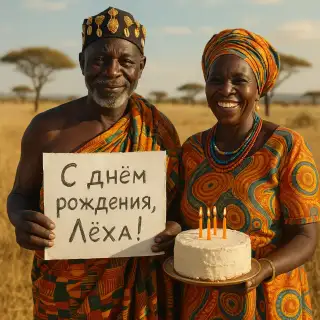
Examples of created videos
User Reviews
Sarah J.
Made my wedding photo dance with my husband! We can't stop watching it. So romantic and fun!
Tom R.
Brought my grandfather's old photo to life – he smiled and waved. My family cried happy tears!
Jessica K.
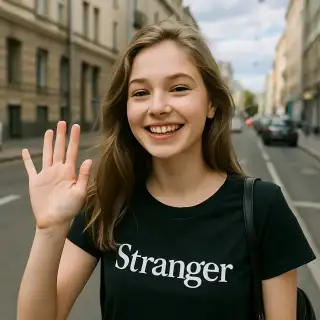
My profile pic now winks and blows kisses! Got so many comments asking how I did it. Love it!
Mike D.
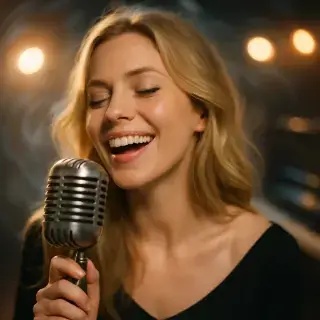
Turned my dog's photo into a singing video. Funniest thing ever! Shared it everywhere!
Transform Images into Dynamic Videos
Give life to your photos! Our AI makes still pictures move and come alive. Upload any photo and watch it transform into a dynamic video with realistic motion. It's like magic, but it's technology!

Available Quality Options
720p video with generated sound and voice.
720p video using the full Grok 1.5 model, with generated sound and voice.
1080p video using the full Grok 1.5 model, with generated sound and voice.
What Makes This Special
Bring Photos to Life
Your still photos will actually move! Add expressions, movements, and actions to any picture
Style Your Video
Choose from realistic, cartoon, anime or artistic styles to match your photo perfectly
Add Sound Too
Make your photos sing, talk, or laugh with our sound generation option
Super Simple
Just upload a photo and describe what you want to happen. That's it!
Making Your Photo Move
- Upload your favorite photo
- Tell us what action you want (like 'wink and smile')
- Pick a style if you want to change the look
- Wait a few minutes for the magic to happen
- Share your animated photo with everyone!
Fun Ways to Use This
Social Media Fun
Make your profile picture wink, smile or dance – way cooler than boring static photos!
Memory Magic
Bring old photos to life – see grandma smile again or make childhood photos dance
Creative Projects
Transform portrait photos into animated characters for your stories or presentations
Funny Content
Make hilarious videos from everyday photos – perfect for pranks and laughs
Tips for Best Results
- Use clear, well-lit photos for the best animation
- Photos with faces work great for expression changes
- Keep your descriptions simple and clear
- Try different styles – cartoon can be more expressive than realistic!
- Experiment with unexpected actions for funny results
Frequently Asked Questions
How long does video generation take?
Video generation typically takes 2-5 minutes depending on the selected quality and current server load.
Can I use generated videos commercially?
Yes, all generated videos are yours to use for any purpose, including commercial projects.
What video formats are available?
Videos are generated in high-quality MP4 format, ready for sharing on any platform.
What's the difference between quality options?
Standard offers 720p video at a lower price. High uses the full model at 720p, and Full HD at 1080p. All three include generated sound. Standard offers 10 or 15 seconds; High and Full HD offer 5, 10 or 15 seconds. Loop is available in Standard at 10 or 15 seconds.