AI Vocal Remover Online
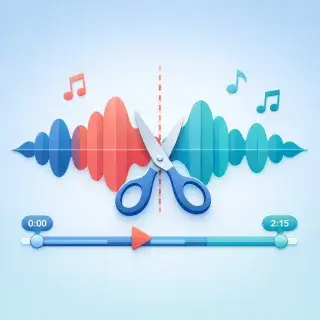
Welcome to our online service for splitting songs into vocals and instrumentals. Perfect for musicians, vocalists, and DJs, our tool offers high-quality sound and precise separation. Upload your track and get results in minutes. Try it now!
Recently split songs
audio (2).mp3
Jan. 7, 2026, 5:27 p.m.
audio (1).mp3
Jan. 7, 2026, 5:19 p.m.
Mother, you're the guiding light
July 13, 2024, 4:42 p.m.
How to Remove Vocals from a Song Online
Upload any MP3 or WAV file. Our AI will analyze and separate it into vocal and instrumental tracks in minutes. Download both separately.
Make Instrumental from Any Song
Get a clean instrumental track for karaoke, remixes, or practice. Our AI accurately separates the voice from the music, preserving the original sound quality.
User Reviews
James R.
Amazing quality! Separated vocals from my favorite track perfectly. Now I have a clean instrumental for karaoke.
Sofia L.
As a DJ, this tool saves me hours. Upload a song, get isolated vocals and instrumentals in minutes. Works with any genre.
Mark T.
Used it to create backing tracks for my band practice. The AI separation is surprisingly accurate.
Elena K.
Perfect for vocal practice! I can now sing along with just the instrumental. Simple to use — just upload and wait.
Frequently Asked Questions
How does vocal removal work?
Our AI analyzes the audio and separates it into vocal and instrumental tracks. The process takes 1-3 minutes depending on the song length.
What audio formats are supported?
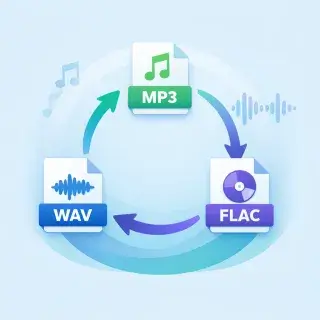
You can upload MP3 and WAV files. The result is provided in MP3 format with high quality (192 kbps).
Can I use the instrumental for karaoke?
Yes! The extracted instrumental track is perfect for karaoke, practice sessions, or creating remixes.
How much does vocal removal cost?
Vocal separation costs 22 energy points. New users receive free energy daily.
How to make an instrumental (backing track) from a song?
Upload a song in MP3 or WAV format, and our AI will separate it into a vocal track and a clean instrumental. The instrumental is ready for karaoke, rehearsals, or remixes.
How to remove words (lyrics) from a song?
Our vocal remover uses AI to separate the singing voice from the music. You get two files: one with only vocals and one with only the instrumental. The instrumental track has no words — just the music.
How to Separate Vocals from Music
- Upload an audio file (MP3, WAV) or select a song from your Songly library
- Our AI analyzes the audio and separates vocals from instruments
- Download the vocal track and instrumental separately
Why Use Our Vocal Remover
- AI-powered separation with high accuracy
- Works online — no apps to install
- Get both vocal and instrumental tracks
- Perfect for karaoke, remixes, and music practice
- Fast processing — results in 1-3 minutes