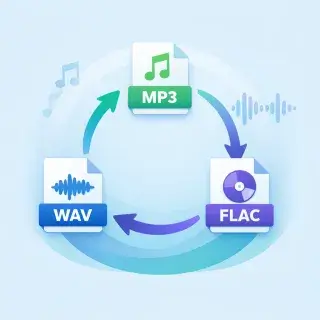
Audio Converter Online
Upload an audio file and convert it to any format. Supports MP3, WAV, M4A, OGG, and FLAC.
How to Convert Audio Files Online
Upload any audio file, choose the output format you need, and download the converted file. Fast, free, and no software to install.
How the Audio Converter Works
- Upload an audio file in MP3, WAV, M4A, OGG, or FLAC format
- Choose the output format from the dropdown menu
- Click 'Convert' — the file will be processed and ready for download
Supported Audio Formats
- MP3 — universal format, small files, works everywhere
- WAV — lossless quality, large files, ideal for editing
- FLAC — lossless compression, perfect for music libraries
- M4A — good quality, optimized for Apple devices
- OGG — open format with excellent compression
User Reviews
Converted my WAV recordings to MP3 for sharing. File size dropped from 50 MB to 5 MB!
Needed FLAC for my music library. Converter works fast and preserves quality.
Simple and effective. No need to install any software — just upload and convert online.
Used it to convert M4A voice memos to MP3. Works perfectly, quality is great.
Frequently Asked Questions
What formats can I convert between?
You can convert between MP3, WAV, M4A, OGG, and FLAC formats. Upload any of these formats and choose the output format you need.
Does conversion affect audio quality?
Converting to lossless formats (WAV, FLAC) preserves full quality. Converting to MP3 uses 192 kbps bitrate — excellent quality for most uses.
What is the maximum file size?
You can upload audio files up to 30 MB. This is enough for most music tracks and recordings.
Which format should I choose?
MP3 — universal, small files, works everywhere. WAV — lossless, large files, for editing. FLAC — lossless, compressed, for music libraries. M4A — good quality, Apple devices. OGG — open format, good compression.